Know what comes next
Use a guided checklist, add your own tasks and focus on the decisions that need attention now.
A private wedding planner for real life
Keep your checklist, budget, vendors, guests, seating and wedding-day timeline together in one organized planning space.
Private saved plans · Secure email-code sign-in · Phone and laptop friendly

One organized plan
Give every moving piece a clear home, while keeping the connections between money, people, vendors and timing easy to see.
Use a guided checklist, add your own tasks and focus on the decisions that need attention now.
Keep vendor quotes, committed costs, paid amounts and future payment dates connected.
Track households, RSVPs, meals, dietary notes, tables and seats in one guest system.
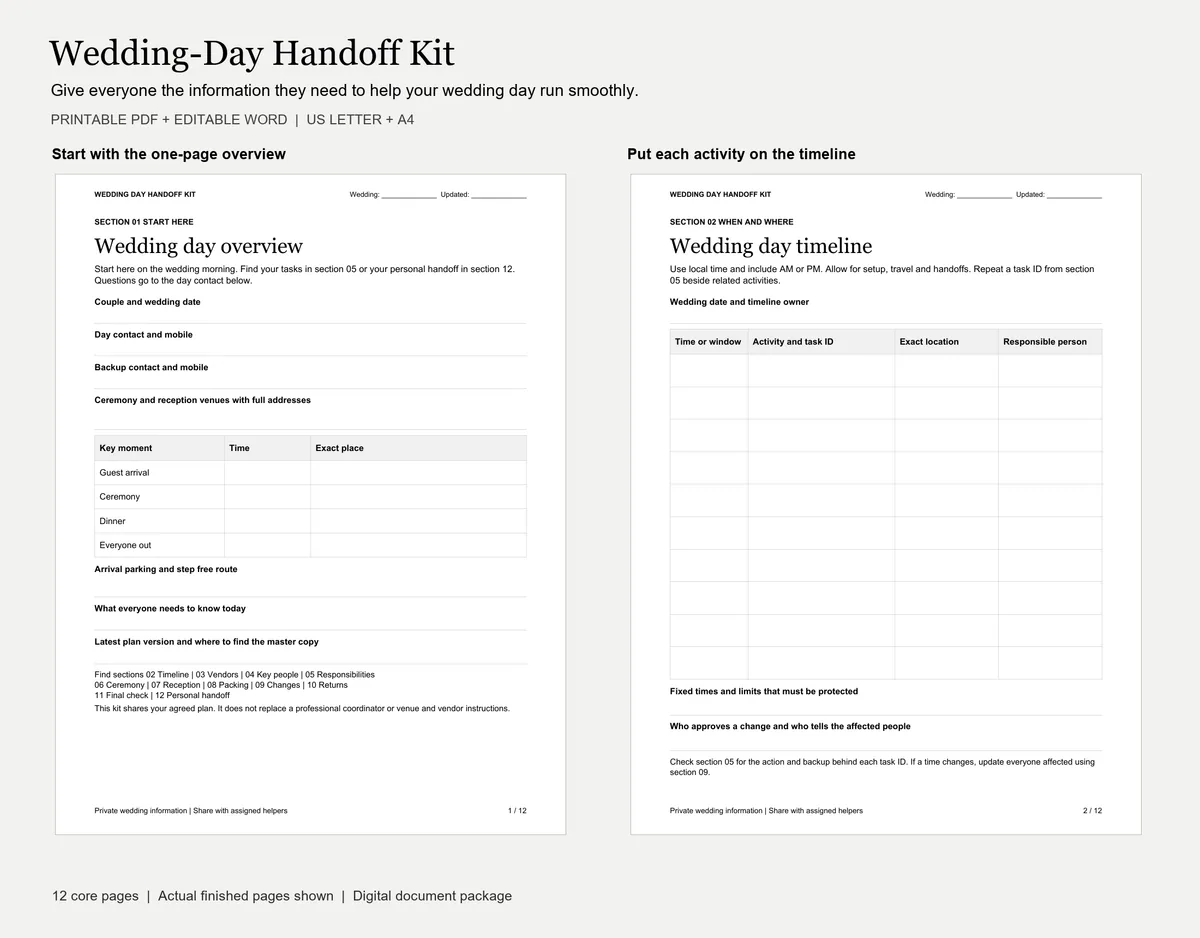
Organize the wedding-day timeline, arrivals, responsibilities and important notes.

How it works
Start with what you already know, add details as decisions are made, and return to the same private plan from any phone or laptop.
Request a short-lived sign-in code by email after customer access is approved.
Enter the date, guest list, budget, vendors and tasks you already know. The planner does not require a year-long process.
Save automatically, invite one partner and pick up the same plan from a phone or laptop.
Start where you are
A longer engagement offers more choices, but it is not a requirement. Choose the planning window closest to your date and focus on what matters now.
Plan the money before it plans you
Estimate with your own guest count, compare complete vendor quotes and keep deposits, balances and due dates visible.
See what is committed, what has been paid and what is still available without separating the numbers from the vendors behind them.
Explore the budget planner →Helpful before you buy
The public guides are open to read. When one of our planning tools is a natural next step, we will point you to that tool and explain why.
For the final stretch
Give your helpers a clear plan and younger guests something fun to do during the celebration.
Questions, answered
Wedding To Do List is a private browser-based planner plus practical wedding handoff and children’s activity products.
Start with the last-minute checklist. It prioritizes legal requirements, location, officiant, guests, essential vendors and a simple wedding-day plan before optional details.
Yes. It works in current phone and laptop browsers, and your approved email opens the same saved wedding plan on each device.
No. The public planning guides show the useful answer first. Planner sign-in is only needed to save private wedding information.
Wedding To Do List
Review exactly what is included, how sign-in works and how your information stays private.